Two ways to render.
Atmospheric weather, glTF 2.0 weapon models, and richer world textures. Choose your renderer and make the game your own.
OPENGL + VULKAN ↓
ACTION QUAKE 2 · NOW 64-BIT
Battery Super Client is now available for Windows 64-bit, with Race Mode ready to play alongside modern rendering, competitive tools, and multi-view demo playback.
EXPLORE THE CLIENT
Atmospheric weather, glTF 2.0 weapon models, and richer world textures. Choose your renderer and make the game your own.
OPENGL + VULKAN ↓Race Mode is ready. Follow checkpoints, beat your personal best, earn medals, and climb the global course leaderboards.
RACE MODE · PLAY NOW ↓Competitive leaderboards, clearer player visibility, quick menu shortcuts, and a HUD built around your game.
COMPETITIVE PLAY ↓Follow every perspective. Pause the action, change playback speed, and jump straight to rounds and highlights.
MVDPLAY ↓01 / OPENGL + VULKAN
Switch between OpenGL and Vulkan in the Video menu. Explore modern model support and the atmosphere and material effects available in Vulkan.
Rain, drifting snow, windblown sand, and distance fog bring a different mood to your maps. Outdoor exposure checks keep precipitation out from under roofs.
Use a map’s authored weather or choose your own override. Tune density, wind, size, and fog colour—or turn the effects off.
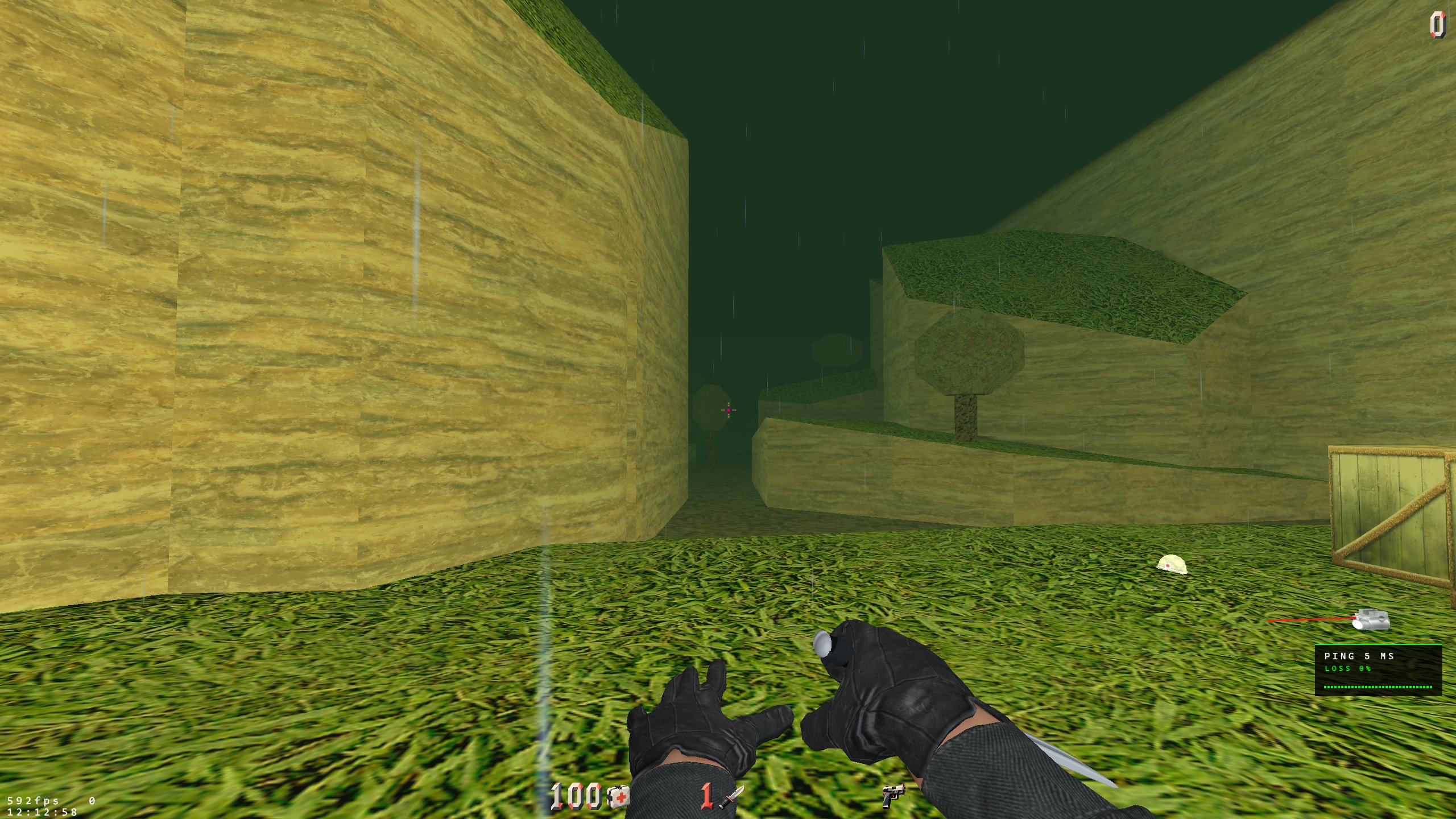
Support for normal, roughness, ambient-occlusion, and height maps adds surface detail to compatible world texture packs.
Bring out small surface details through directional shading.
Vary highlights between smoother and rougher areas.
Add authored shading to crevices and recessed details.
Offset texture detail to give surfaces a sense of depth.
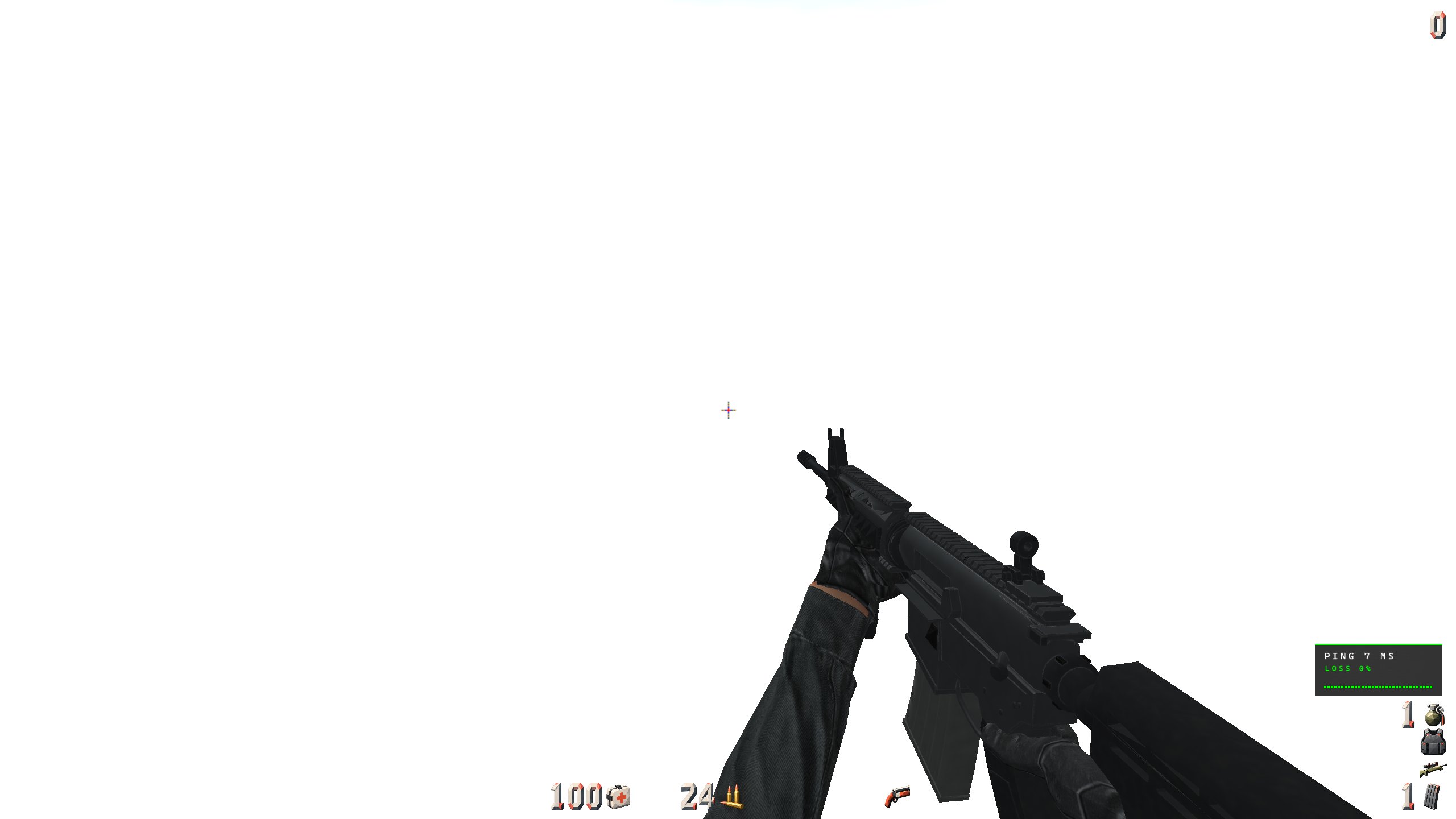
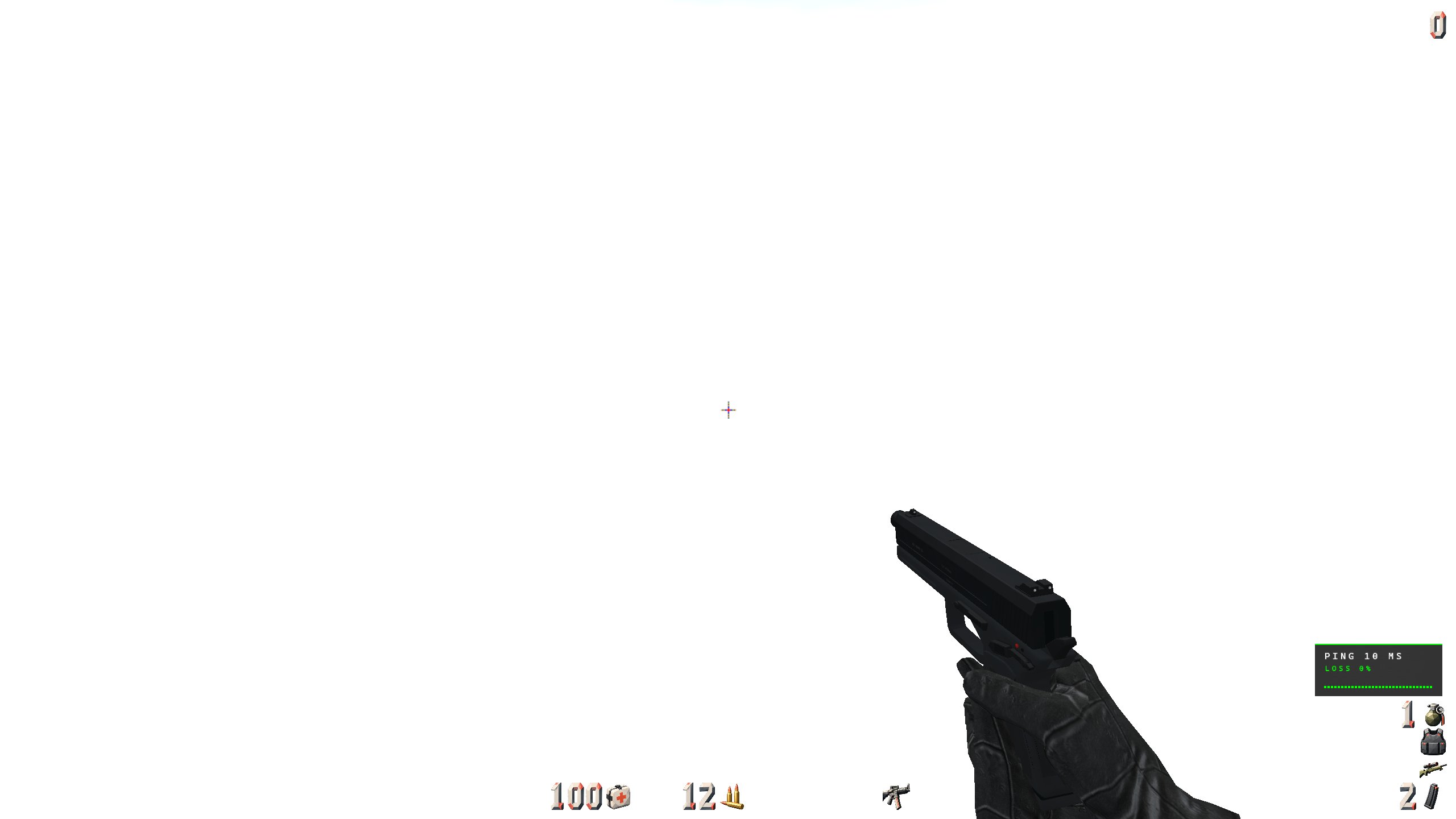
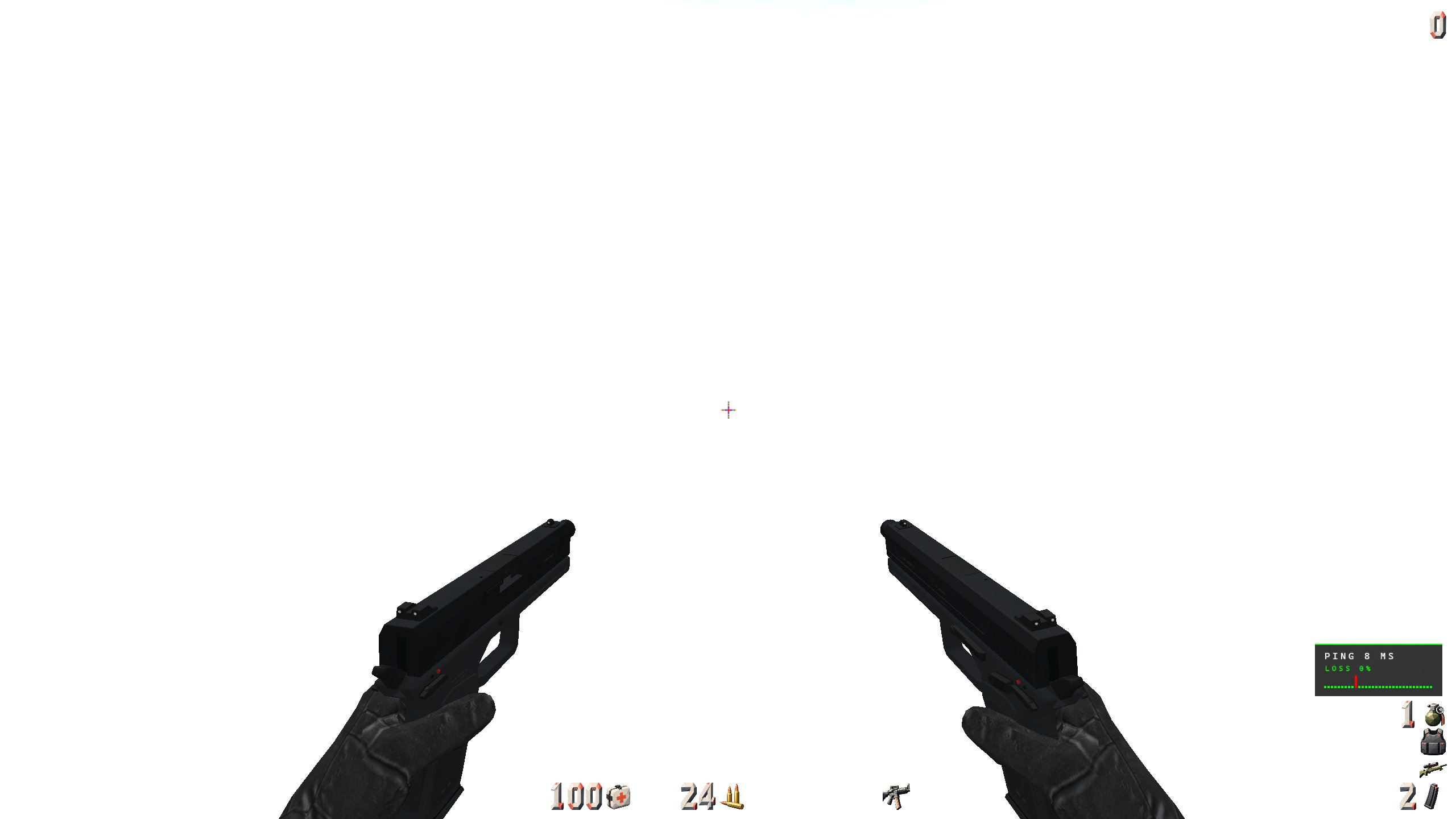
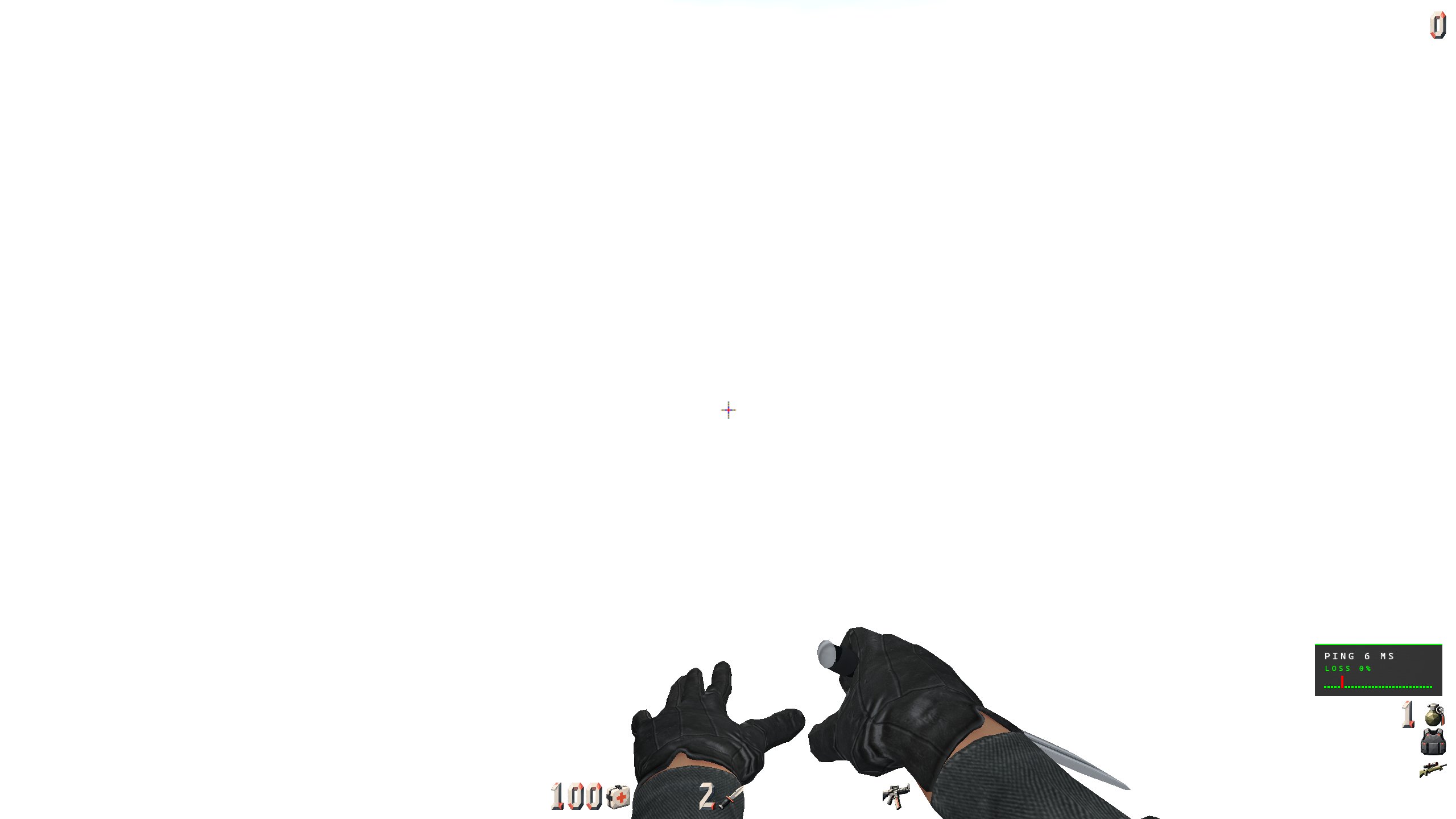
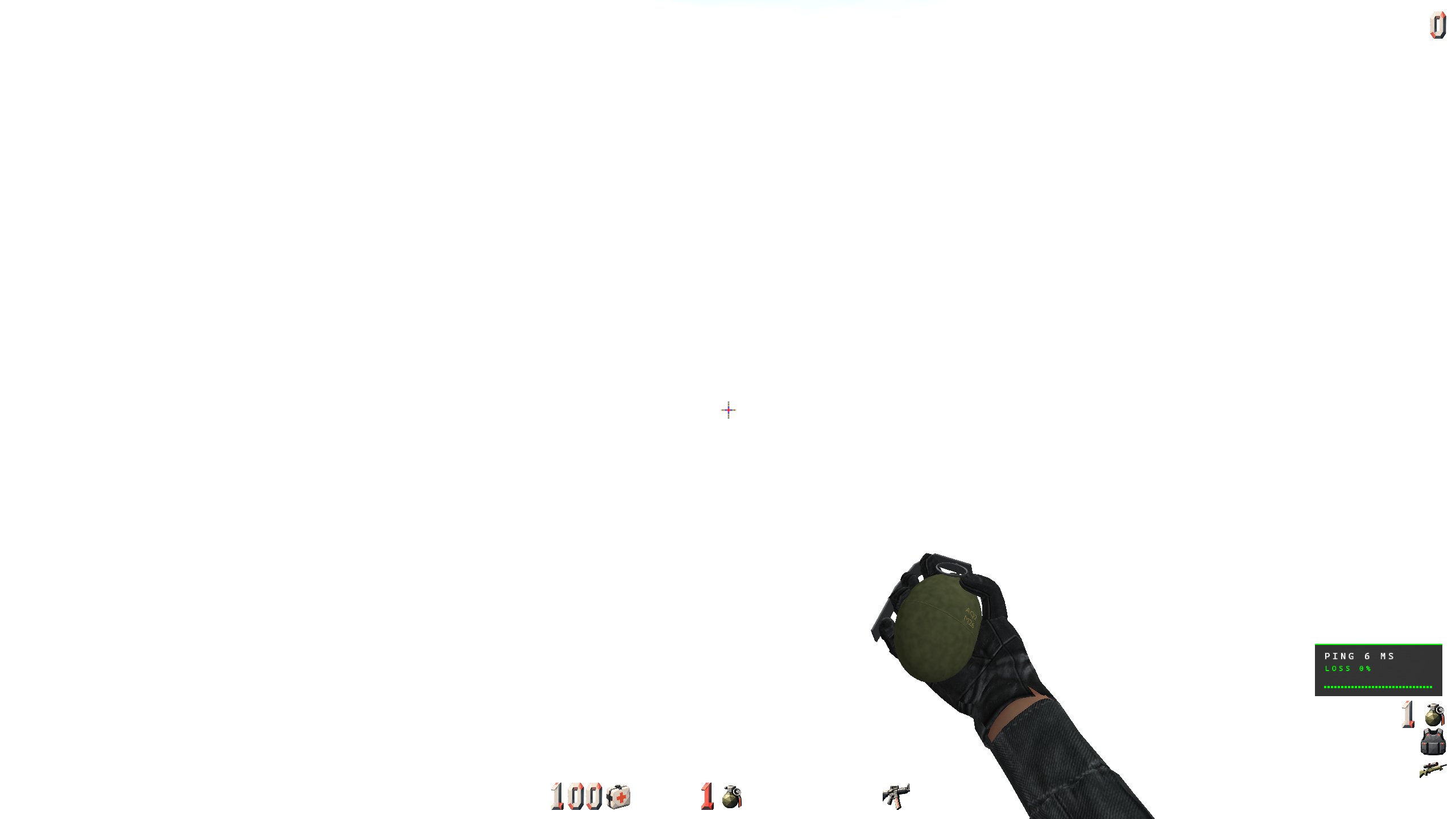
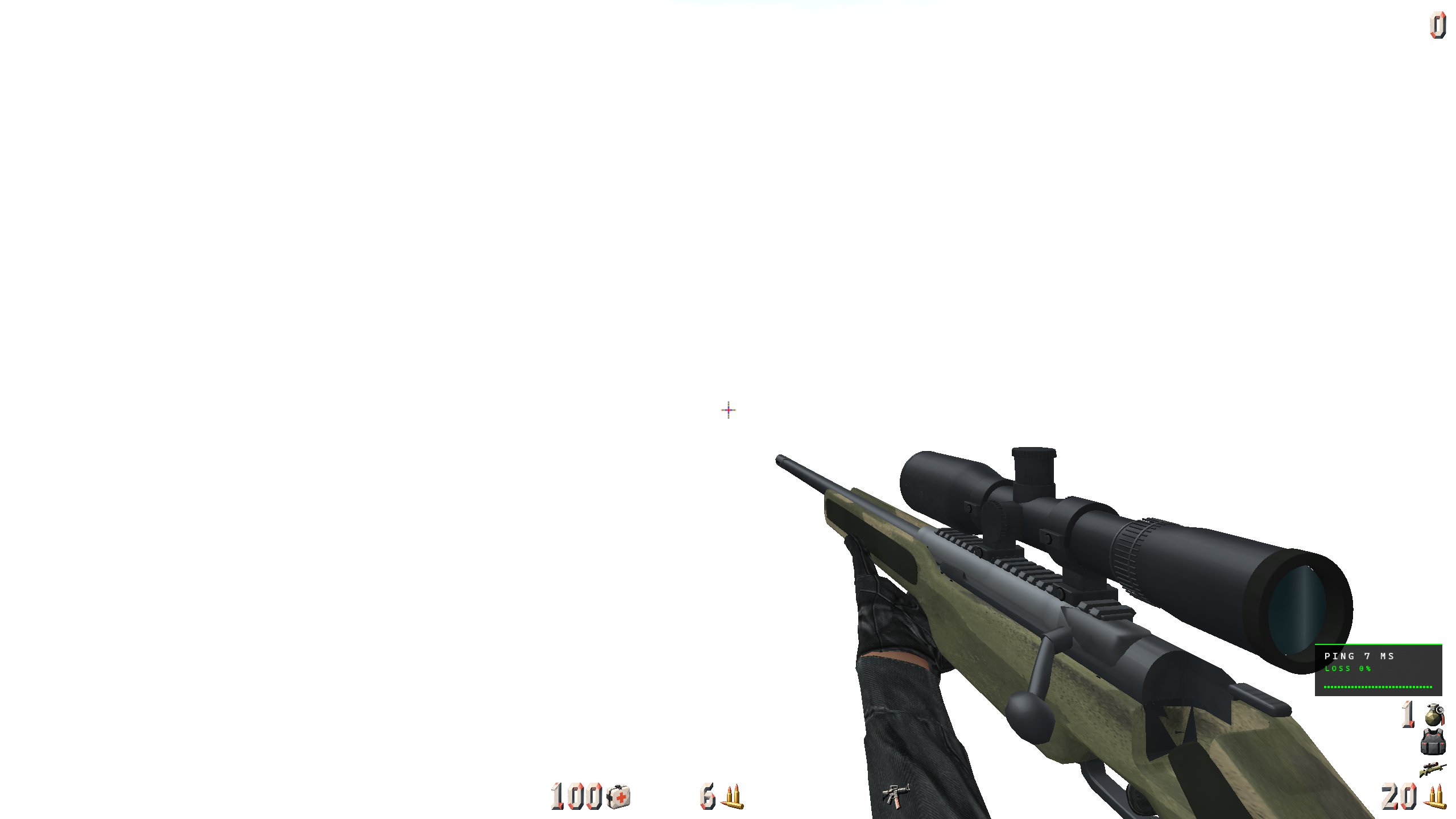
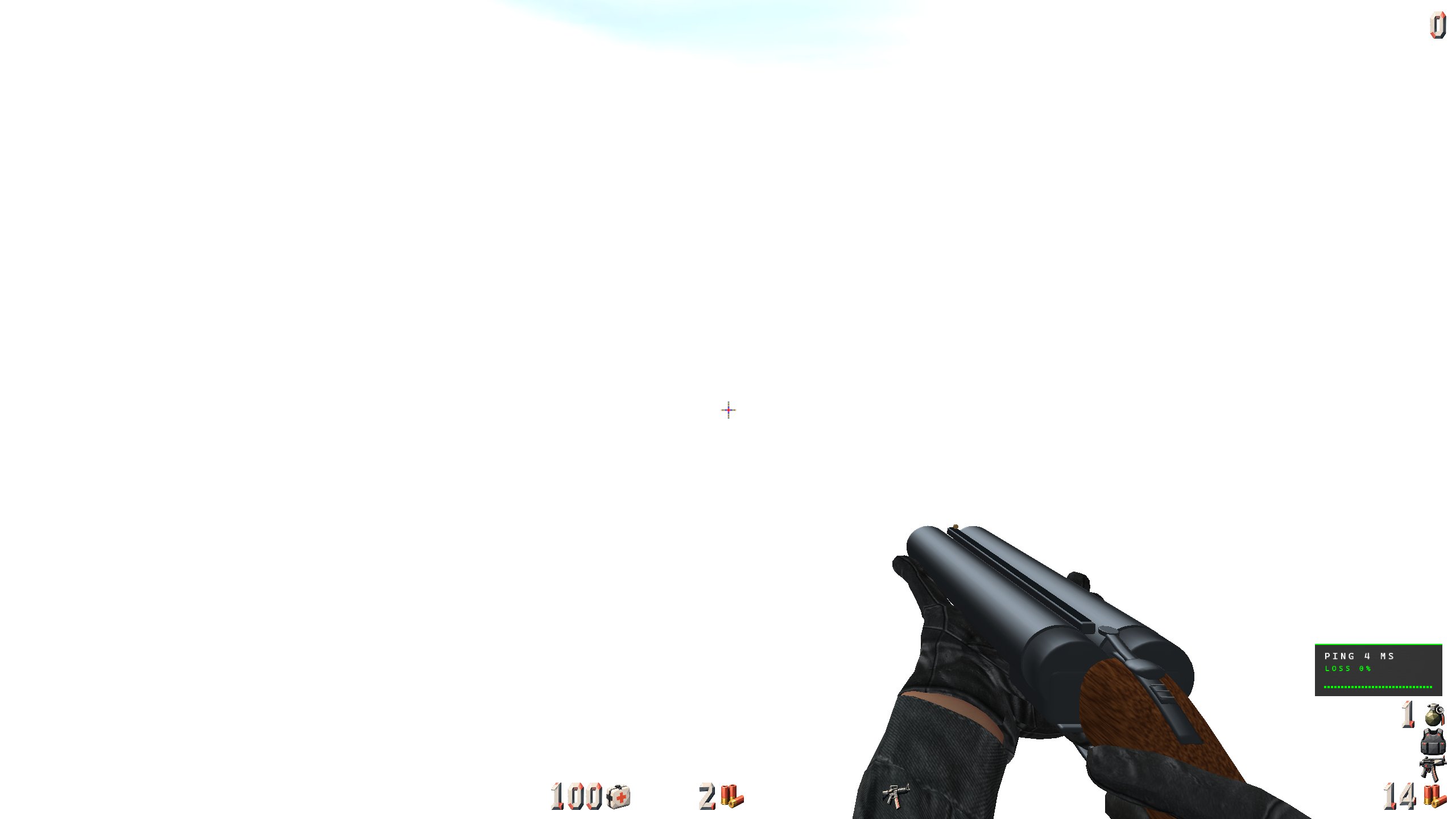
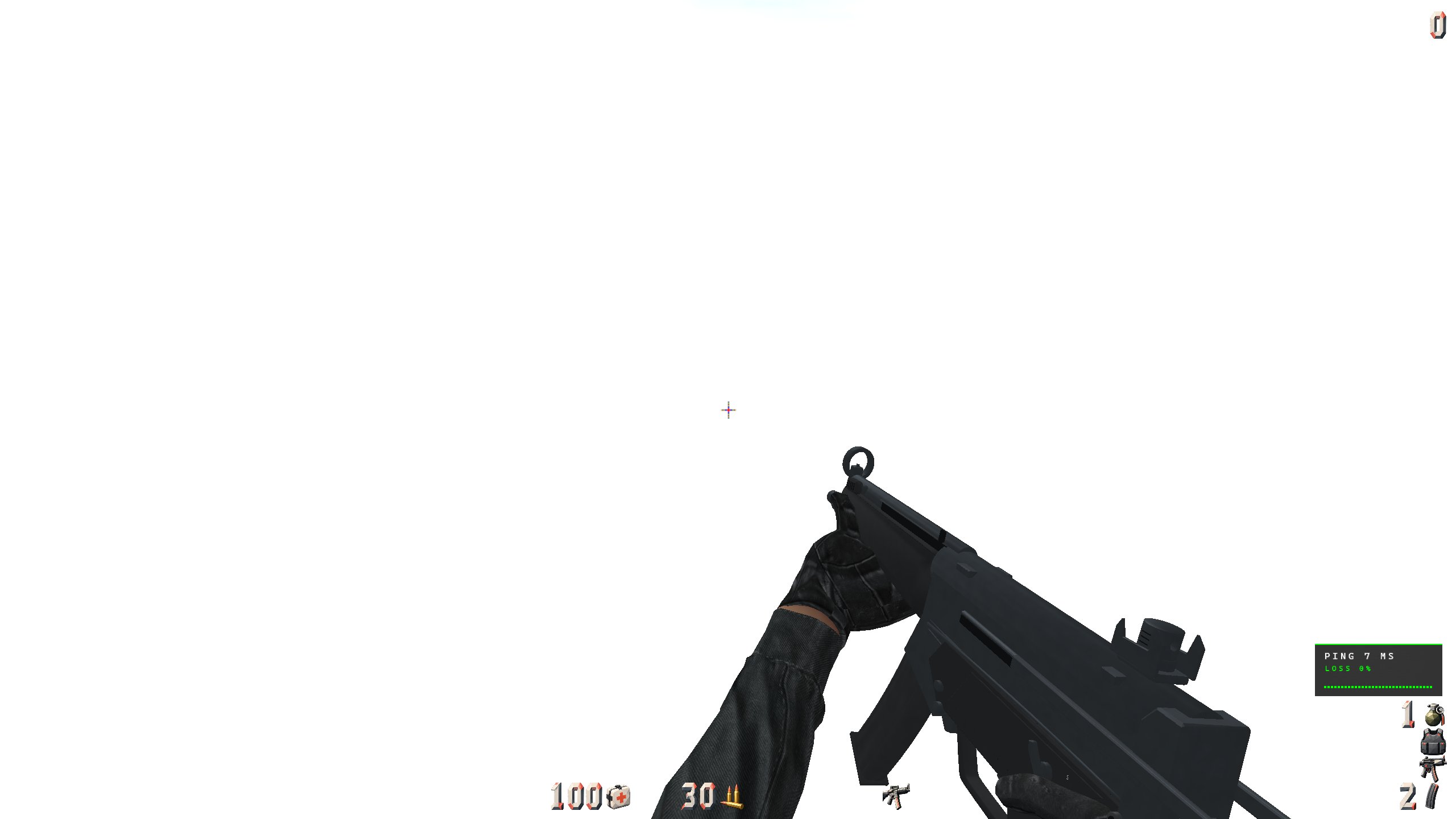
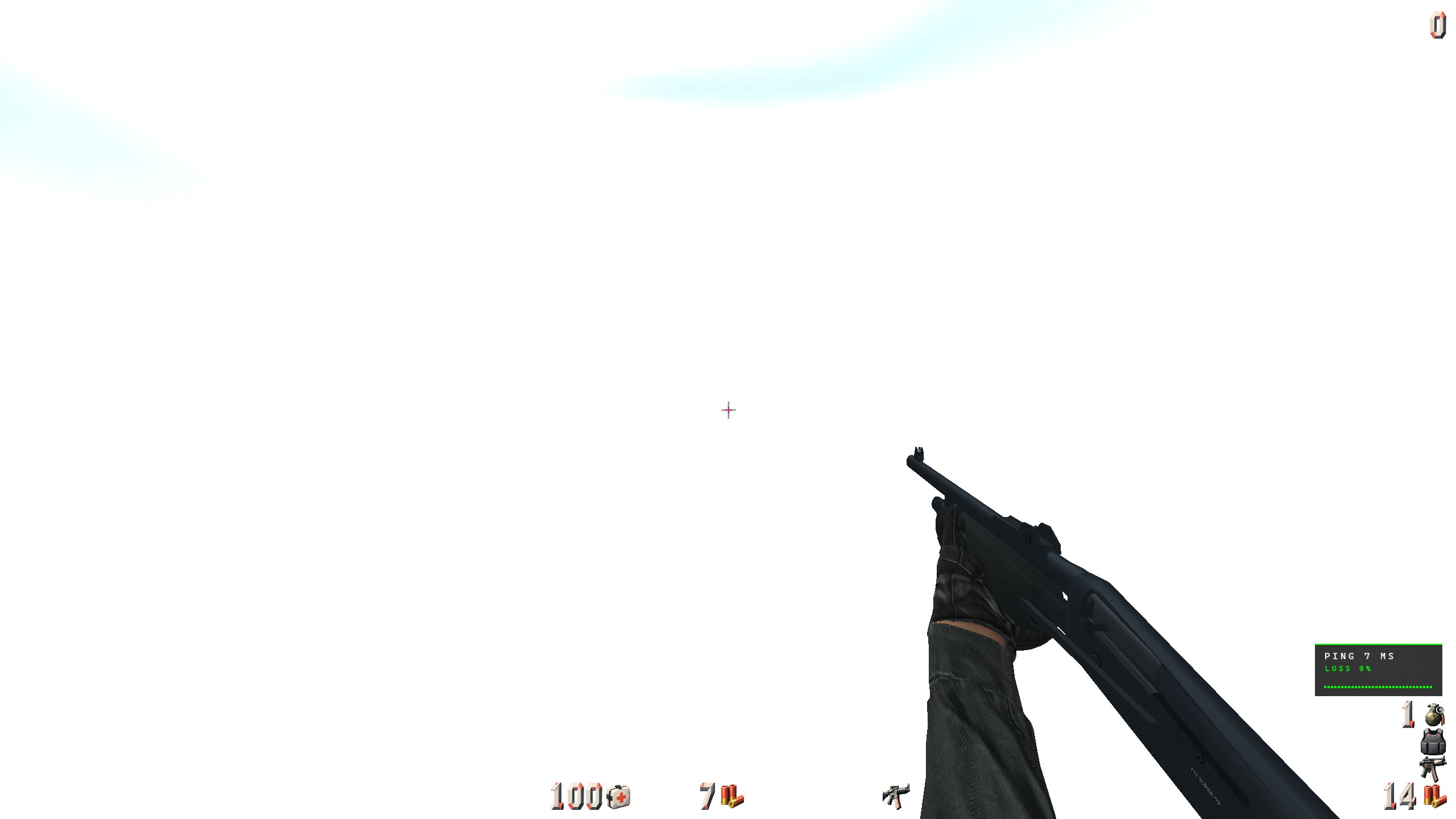
Detailed weapon models and hands, with skeletal animation and interpolated poses. The current OpenGL model path supports GLB replacements for the familiar Action Quake 2 weapons.
02 / RACE MODE · READY TO PLAY
Open Play → Race Mode, choose a published course, and chase the clock. Race Mode is ready in the Windows 64-bit client.
Leave the start zone to begin your run, pass each checkpoint in order, and cross the finish. Clear course markers show where to go next. Restart an attempt and return to the start when you want another try.
Browse published courses, global records, and your own best times inside the Race Mode menu. Sign in with Discord before racing to save your times online. Your records stay linked to your account when you change your game name.
Chase Bronze, Silver, Gold, and Author times. Higher medals include the lower tiers, and the Your Medals panel tracks your progress across published courses.
Refresh the course list to find updates and switch maps directly from the Race Mode menu. The map must be installed to play; cached courses remain available for practice during connection outages.
03 / COMPETITIVE PLAY
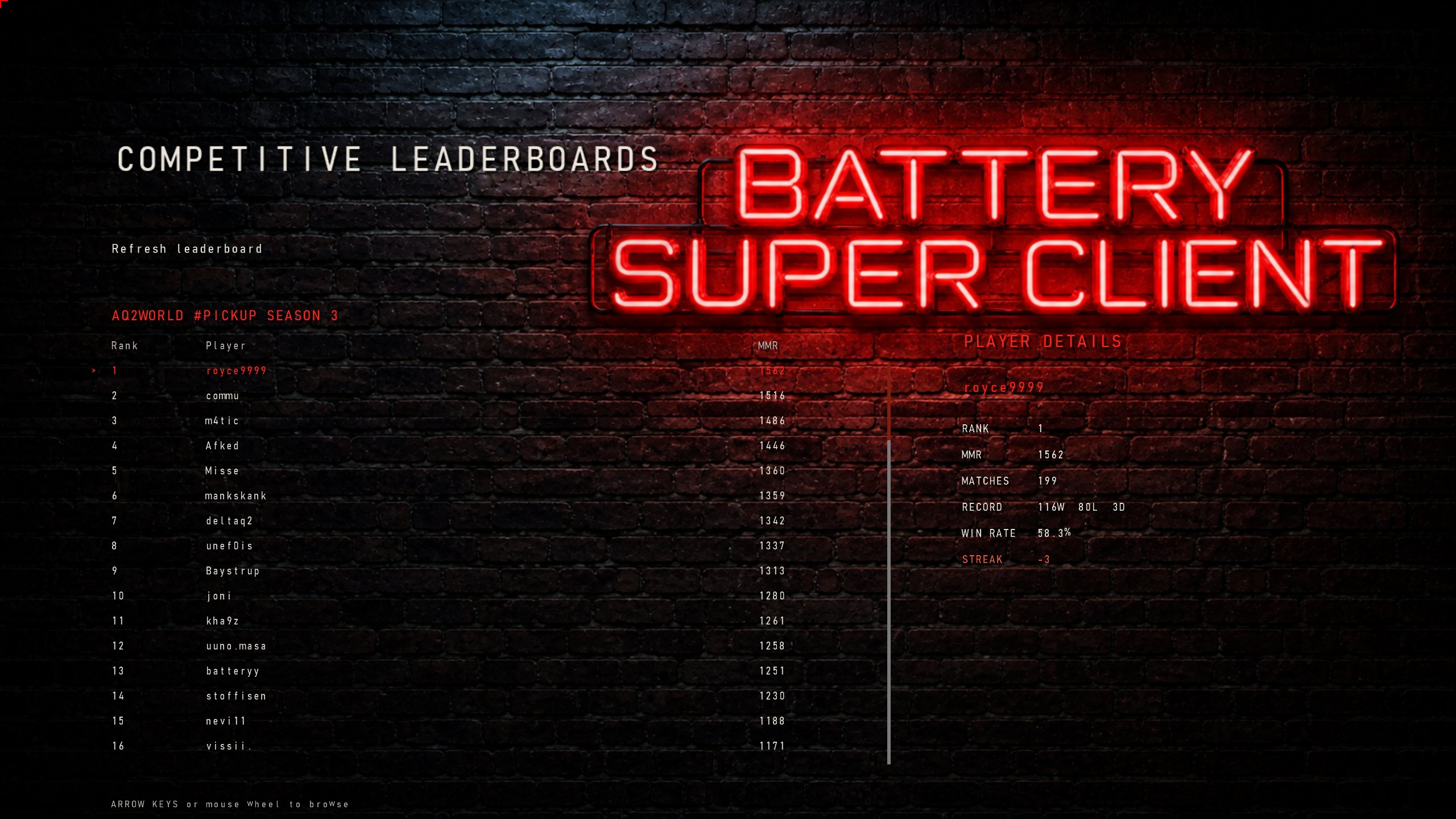
Browse AQ2World competitive rankings without leaving the game. See rank, MMR, matches played, wins, losses, draws, win rate, and streak for the selected player.
Refresh the leaderboard and browse players directly from the Competitive Leaderboards menu.
Remember the feature, not the command’s prefix. Type part of a name or a topic in the console and press Tab twice to see matching commands and settings with useful descriptions. Or search directly with !find weather, !find crosshair, or another topic.
Press Backspace from a submenu to return straight to the active game. Press ESC to reopen that same submenu where you left off. No more repeatedly pressing ESC to get back into the action.
Force distinct teammate and enemy skins, and adjust world and entity brightness separately.
Choose from ten procedural crosshairs alongside picture crosshairs, with a live preview and size, colour, and opacity controls. Keep tabs on FPS, ping, packet loss, and round timing.
Explore text and HUD sets ↓A dedicated HUD countdown shows how much time remains in the current Action round. It starts at ACTION! and returns to zero when the round ends. The timer uses the server’s advertised round limit when available, with a configurable fallback otherwise.
Choose its font, size, colour, and screen position to suit your HUD.
Control your active Spotify session on Windows without leaving the match. Bind keys to play or pause, skip to the next track, or return to the previous one.
Show the current artist and track on your HUD with adjustable colour and placement, or print the title in the console with spotifytitle.
Optional match autofocus brings the game forward near the end of an Action match countdown. The server browser shows players and pings, with empty-server filtering and player-count sorting.
Attack and use inputs can be sent immediately. Q2PRO protocol 36 support adds optional command batching and packet-loss recovery while retaining compatibility with older servers.
TEXT & HUD CUSTOMISATION
Choose the type, size, colours, icons, and numbers that work for you, with live previews inside the client’s options menus.
The TrueType-based SDF text system keeps lettering clear as you change its size, across both OpenGL and Vulkan. Choose from ten font families, including Consolas, Cascadia Mono, Segoe UI, Arial, Verdana, and Georgia.
Choose independent fonts, colours, and sizes for the console, FPS counter, clock, map timer, round timer, chat, and Race HUD. Options → Text Visuals includes a live example, sizing from 50% to 200%, and reset controls.
Select HUD icon and number sets independently in Options → HUD & Crosshair. Combine your preferred icons and digits, choose transparent-background options, and preview the result before returning to the match.
Keep the original look with Legacy HUD, or turn it off to use the selectable sets. Adjust the HUD’s edge margin and add optional colour-cycling lightup effects to themed icons and numbers.
04 / MVDPLAY
Play supported .mvd2 multi-view recordings inside the client. Review a round, follow another player, or stop the world and explore the moment with the free-fly camera.
Follow playback progress with numbered round markers and labelled multi-kill and knife-streak highlights. Jump to the previous or next round or highlight using the control bar.
Pause and resume at your previous speed, halve or double playback speed, or set a speed directly up to 16×. Seek forward or backward to a precise time.
Cycle through recorded players or follow a specific player. A team-coloured roster shows who you are watching, with their recorded first-person view and HUD.
Switch to free-fly and explore with movement keys and mouse look—even while paused. Seeking preserves your selected player, playback speed, and free-fly position.
Jumping to a highlight follows the player involved and plays from five seconds before the first kill to five seconds after the last, then pauses automatically.
Recorded sounds, footsteps, chat, kill messages, and round announcements accompany playback. Hide the timeline for an unobstructed view; the player roster stays visible.
Open a recording with mvdplay filename.mvd2. Use mvdseek seconds to seek, mvdspeed multiplier for an exact speed, mvdstatus for playback details, and mvdinfo filename.mvd2 to inspect a recording.
WINDOWS 64-BIT · AVAILABLE NOW
Get Battery Super Client with Race Mode ready to play. The Windows 64-bit package includes aq2-x64.exe, shared assets in zz_battery.pkz, and the local game module.
Download for Windows 64-bitRequires 64-bit Windows and an existing Quake II / Action Quake 2 installation. Startup version checks let you know when a newer release is ready. Download in your browser and install after closing the game.